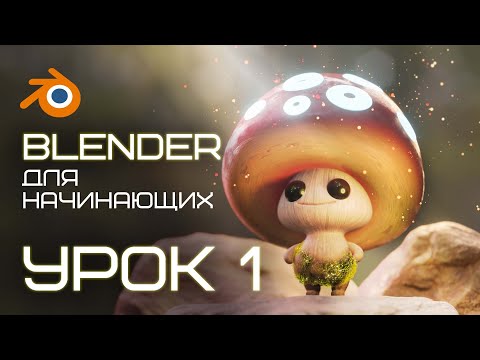
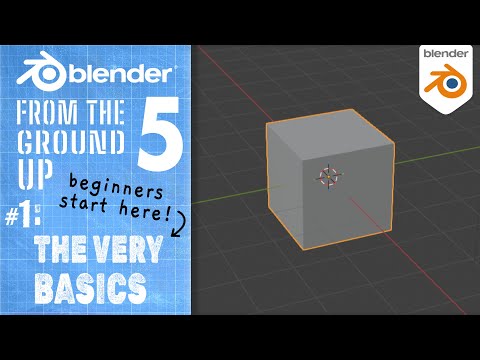
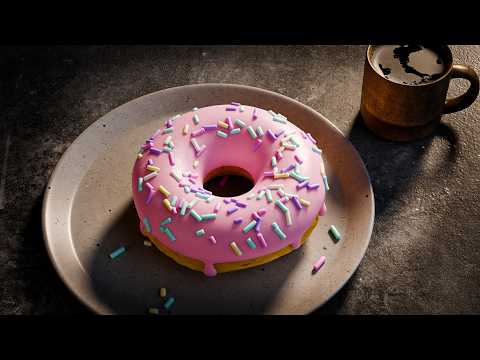
#blender3d #gamedev #3danimation Are you an absolute beginner to 3D? This is the free, complete course designed to teach you Blender 5 from scratch. By the end of this methodical series, you will create the entire fun 3D scene shown in the thumbnail! In this video (Part 1), we look at the interface, covering the absolute fundamentals: 00:00:00 | Introduction to the Free Course 00:00:53 | Blender Download & Installation 00:01:37 | Main Interface Overview (3D Viewport, Outliner, Properties) 00:02:07 | Essential Navigation (Zoom, Orbit, Pan) 00:03:12 | Viewport Controls, Camera & Orthographic Views 00:04:41 | Selecting & Adding Objects (The Shift+A Menu) 00:05:41 | Understanding the 3D Cursor 00:06:14 | The Move Tool (G) & Axis Constraints 00:07:45 | The Rotate (R) & Scale (S) Tools 00:08:19 | The Left-Hand Toolbar Gizmos 00:09:53 | 🎯 Challenge 1: Adding a Floor & Positioning Objects 00:10:06 | Challenge Solution & Precise Numerical Input Download Blender 5 Free Here: Blender 5 - Complete Beginners Guide Playlist *****Black Friday All My Courses $10***** My Complete Blender Creator single course My Mega Pathway Course Bundle - build your own asset packs $40: SOCIALS: Substack for Articles & Written Tutorials: Gumroad For Free Beginners Booklet: My Website: Discord: Buy Me a Coffee: OTHER USEFUL YOUTUBE TUTORIALS: Get good at Blender series: Learn Sculpting playlist:
- 24647Просмотров
- 3 недели назадОпубликованоGrant Abbitt (Gabbitt)
Blender 5 Complete Beginners Guide - FREE COURSE - Part 1 - The Interface
Похожее видео
Популярное
Новини